
Always a step ahead.
A text expander and autocomplete for your Mac. Little Keebo suggests your next words in any app and types your templates, with a model that runs on your Mac.
Pictures
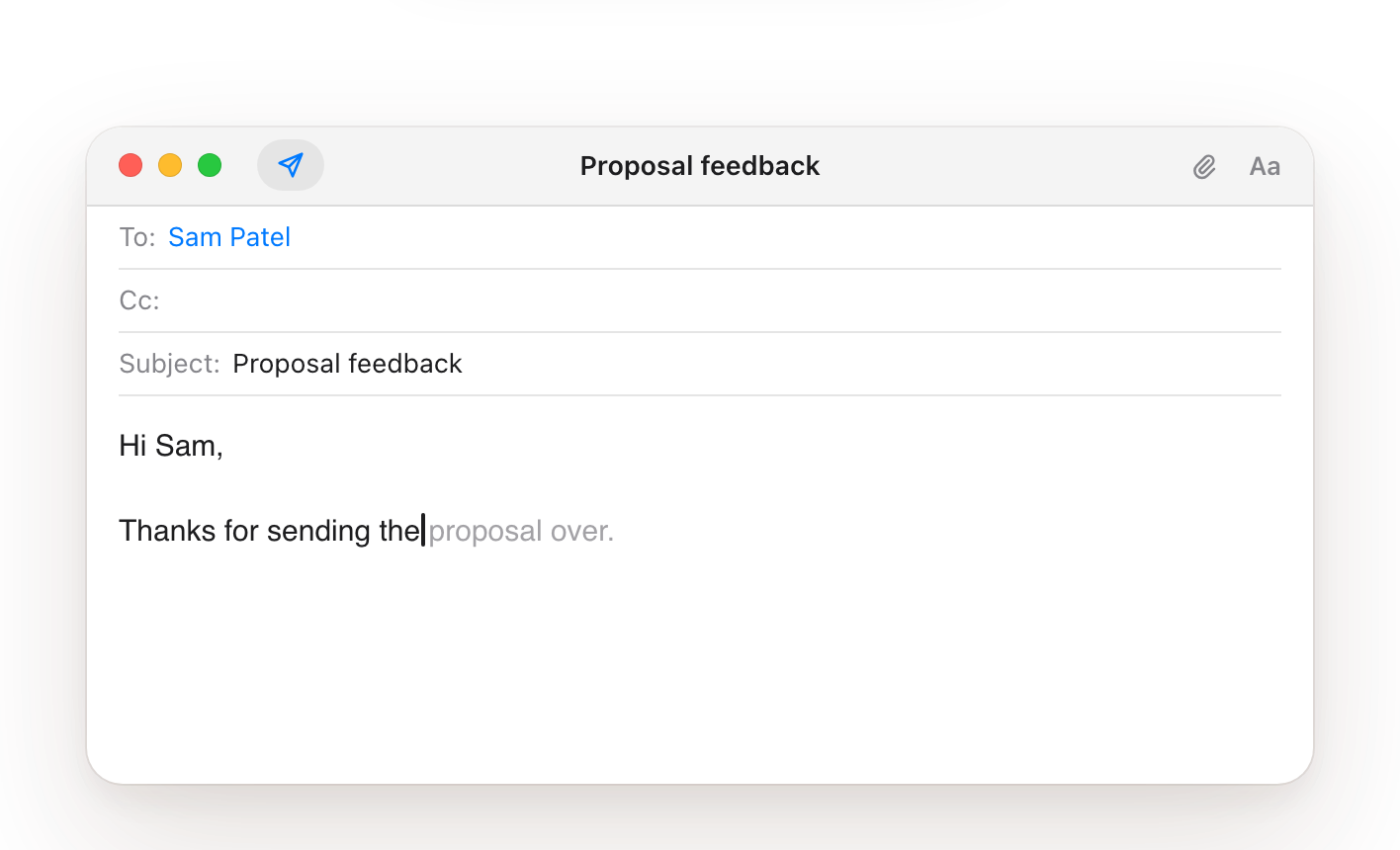
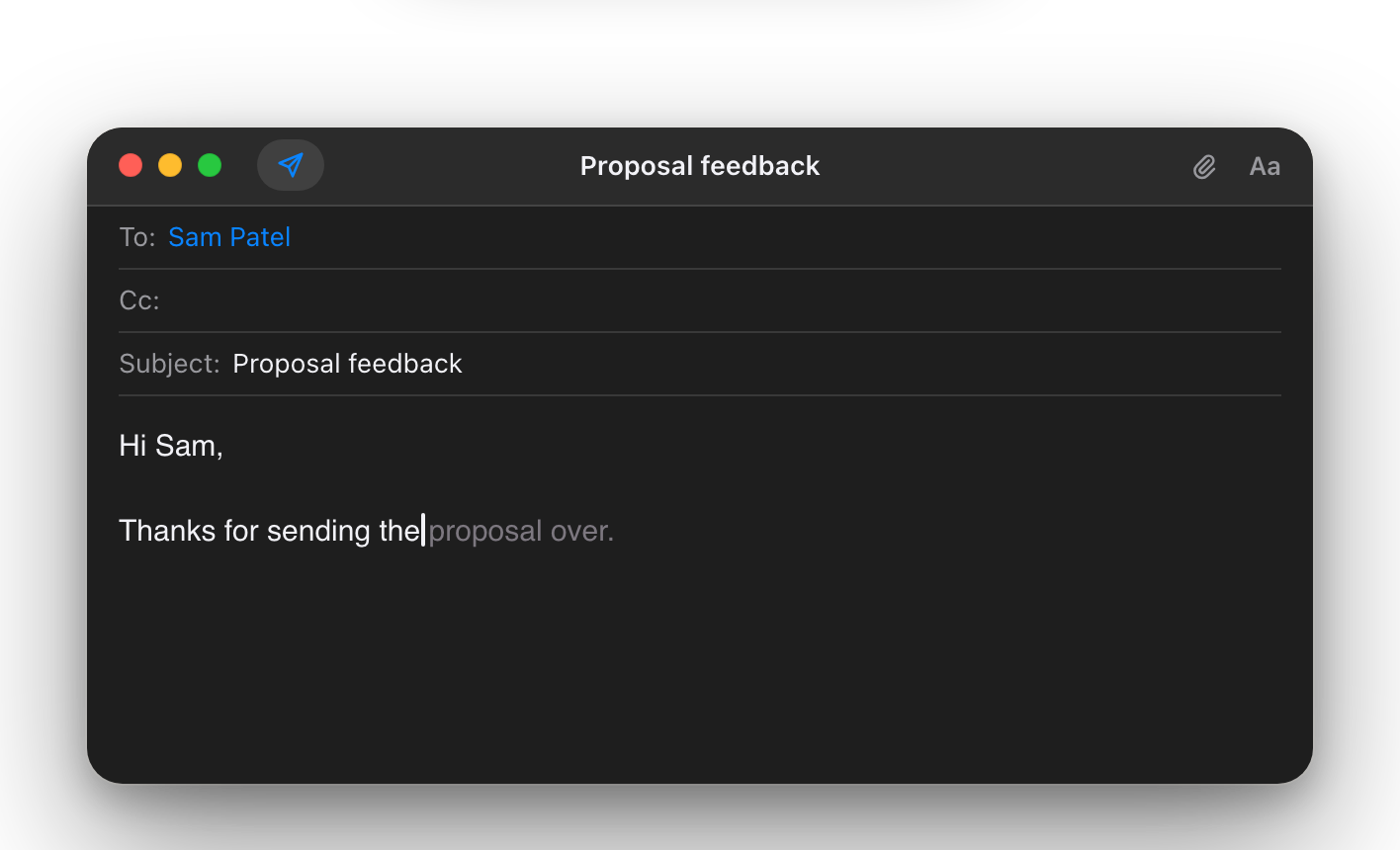
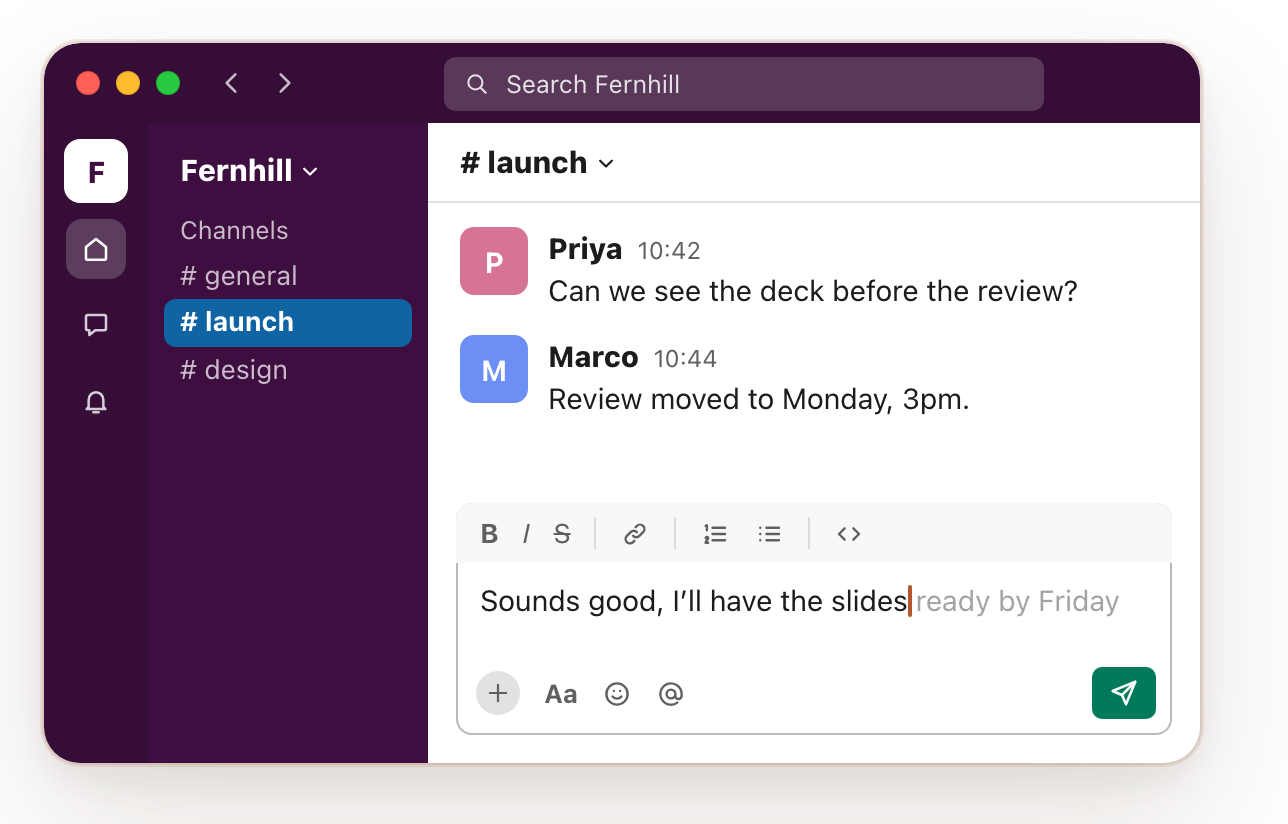
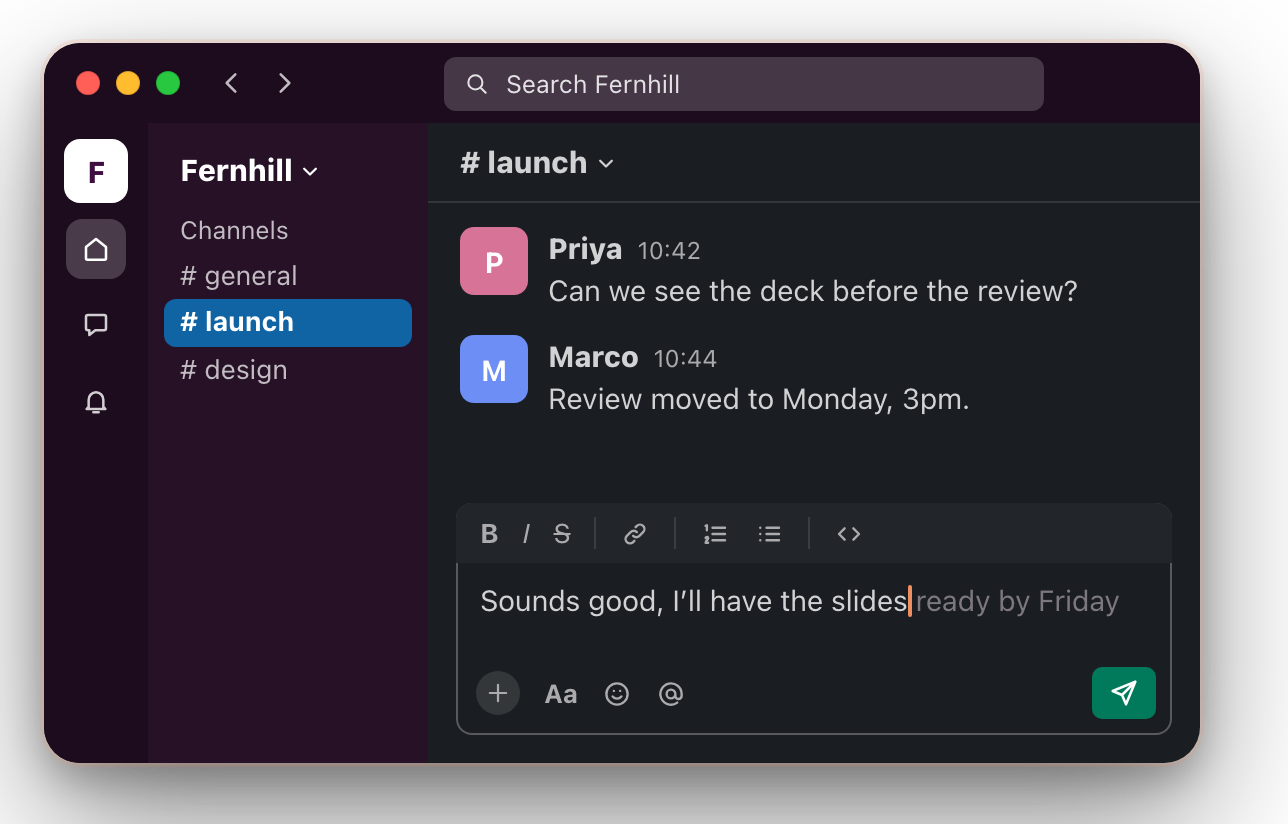
As this site draws them, in light and dark: PNG, transparent around the window.
The film
1:42, with sound.MP4, 31.8 MBIts posterOn YouTube (opens another site)
The icon and Keebo




About Little Keebo, to quote
Little Keebo is autocomplete and a text expander for the Mac. As you type in Mail, Slack, Microsoft 365, Google Docs, Notes, browsers and most other apps, it suggests your next few words in grey after the cursor. Tab takes a word, and ⌃F takes the whole suggestion.
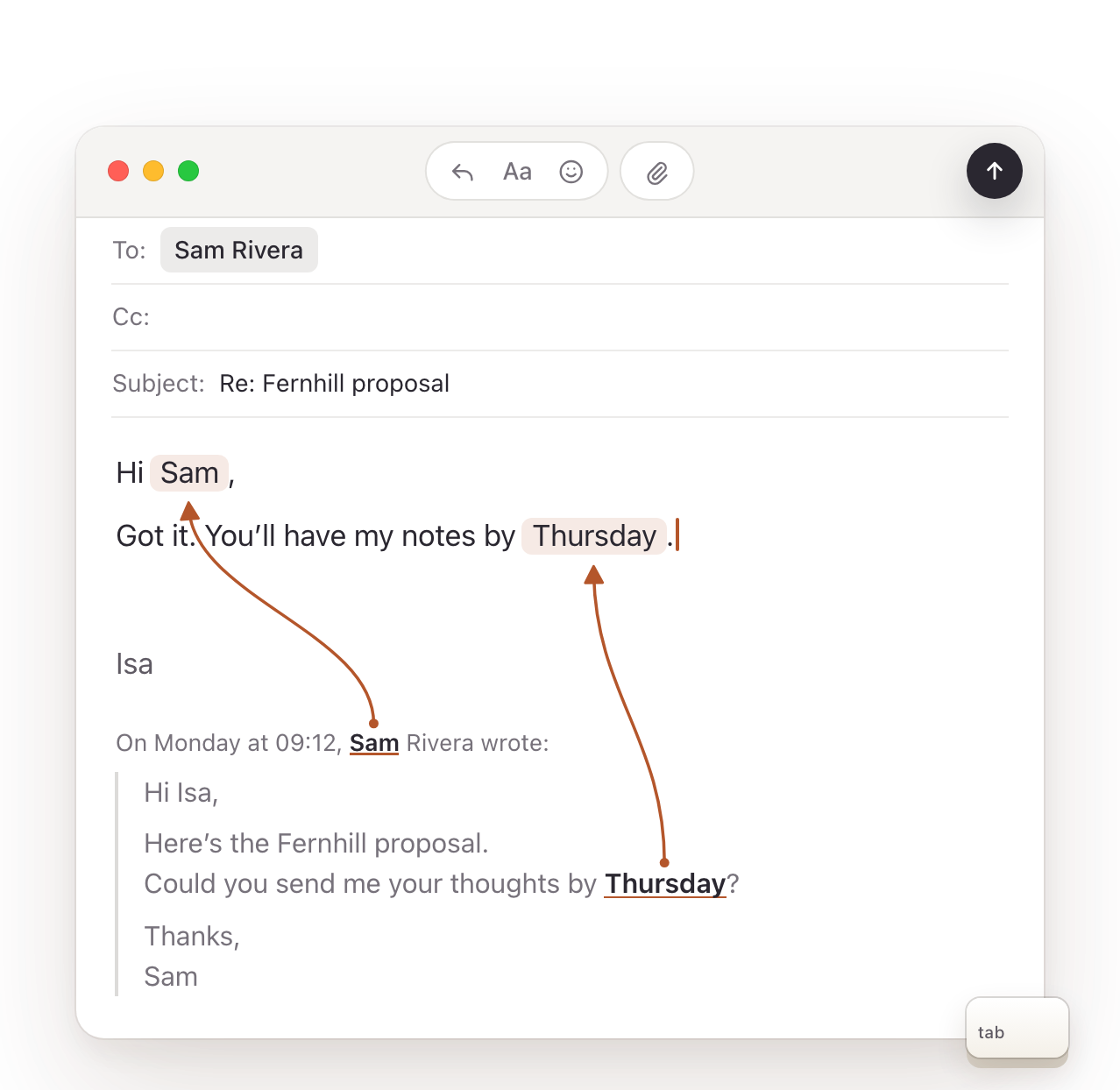
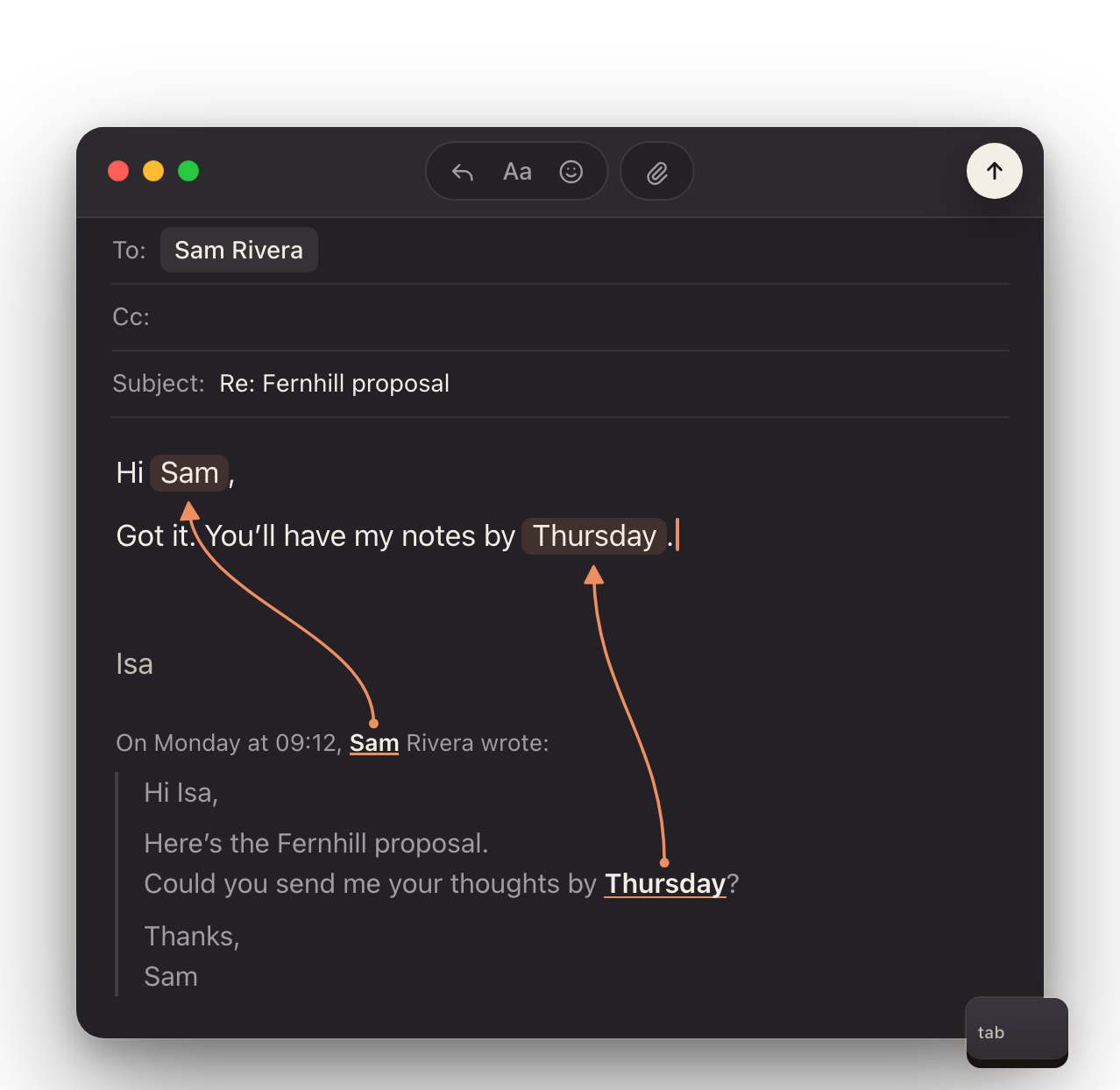
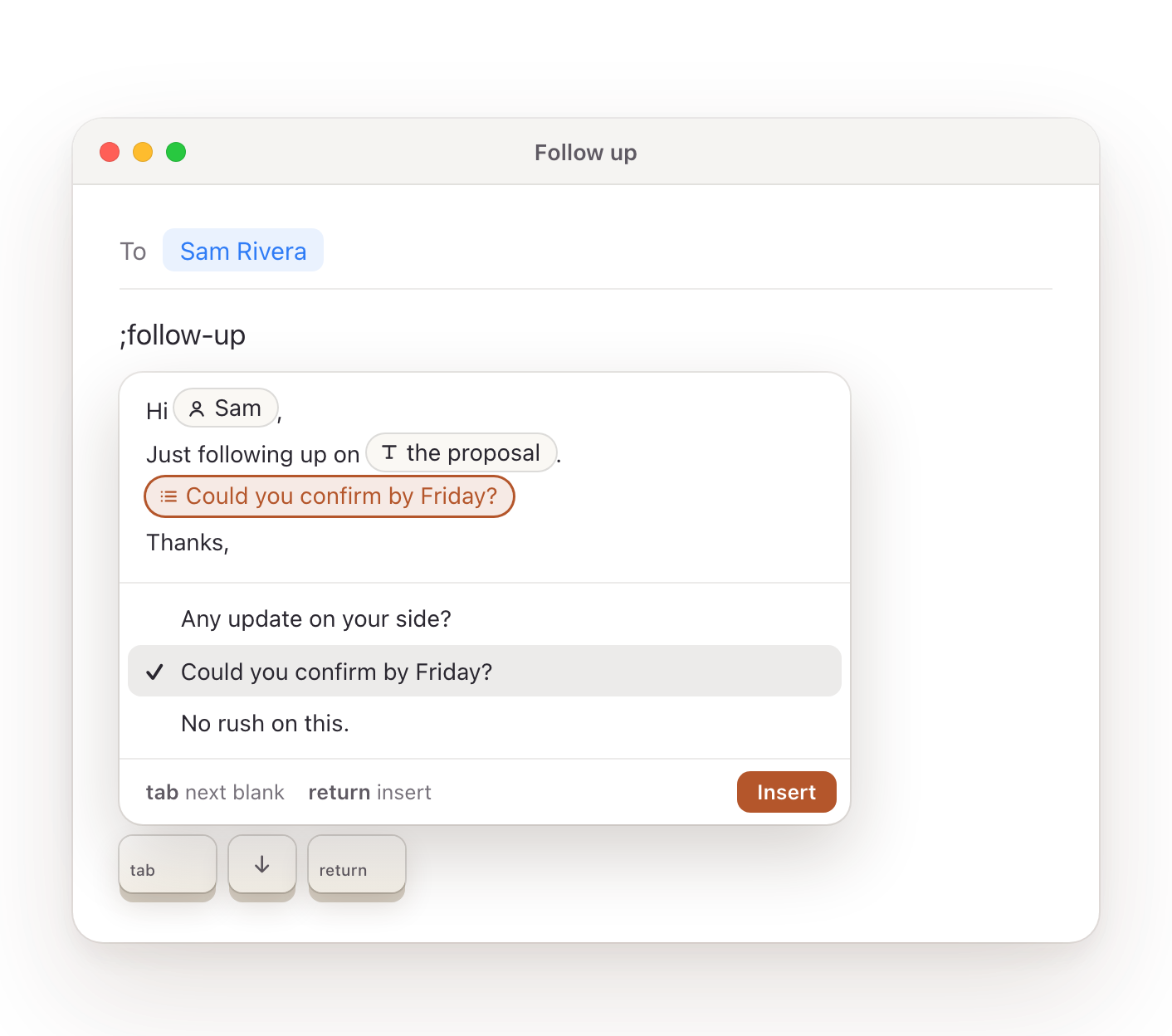
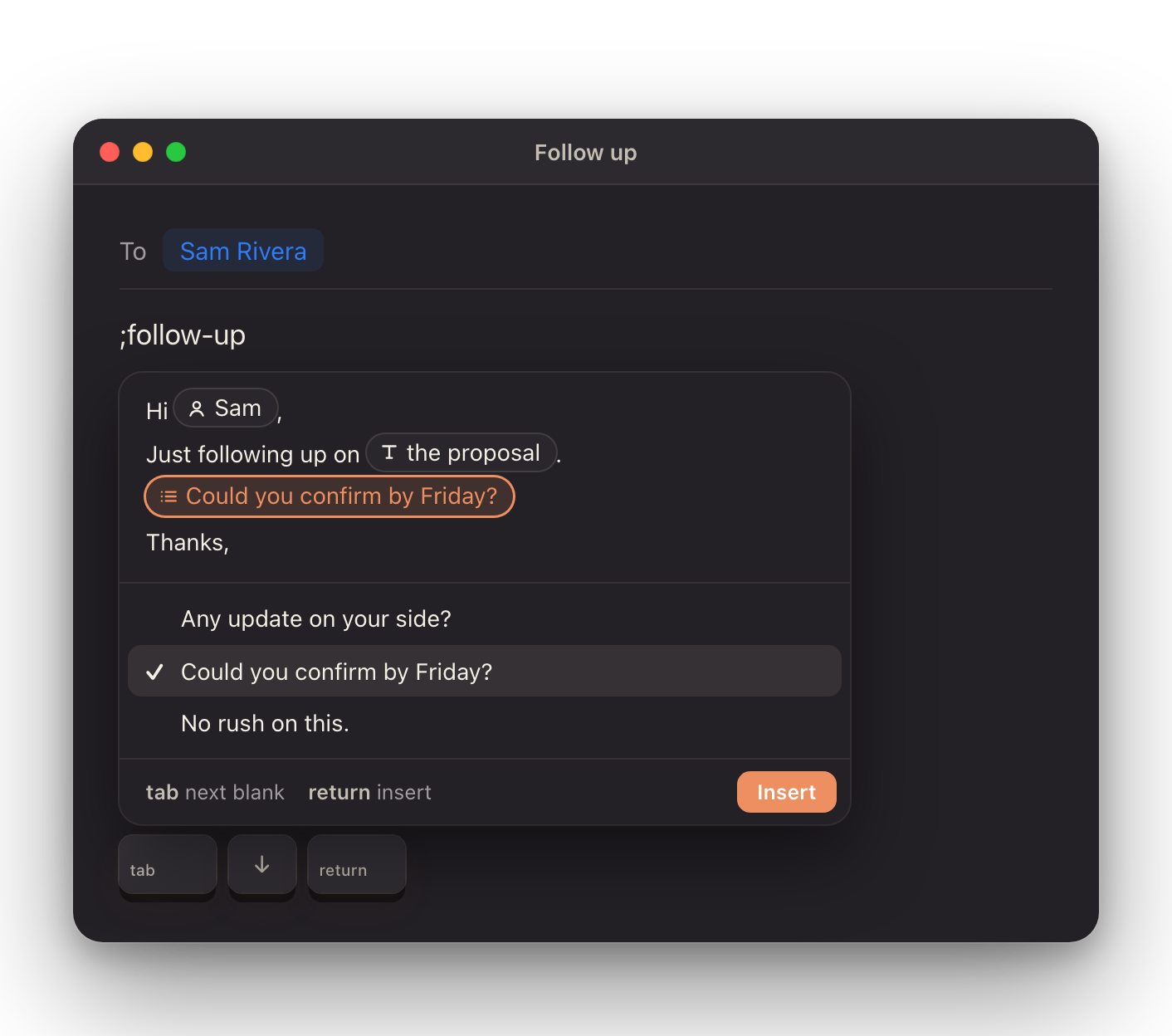
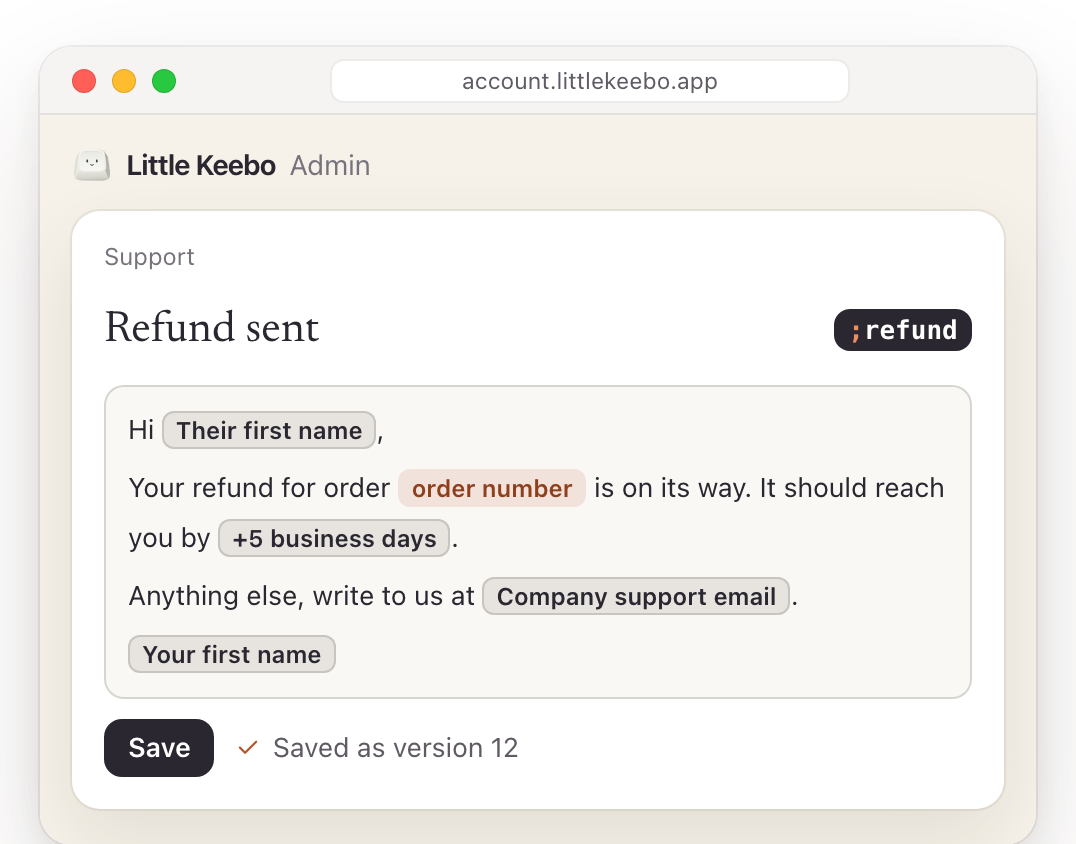
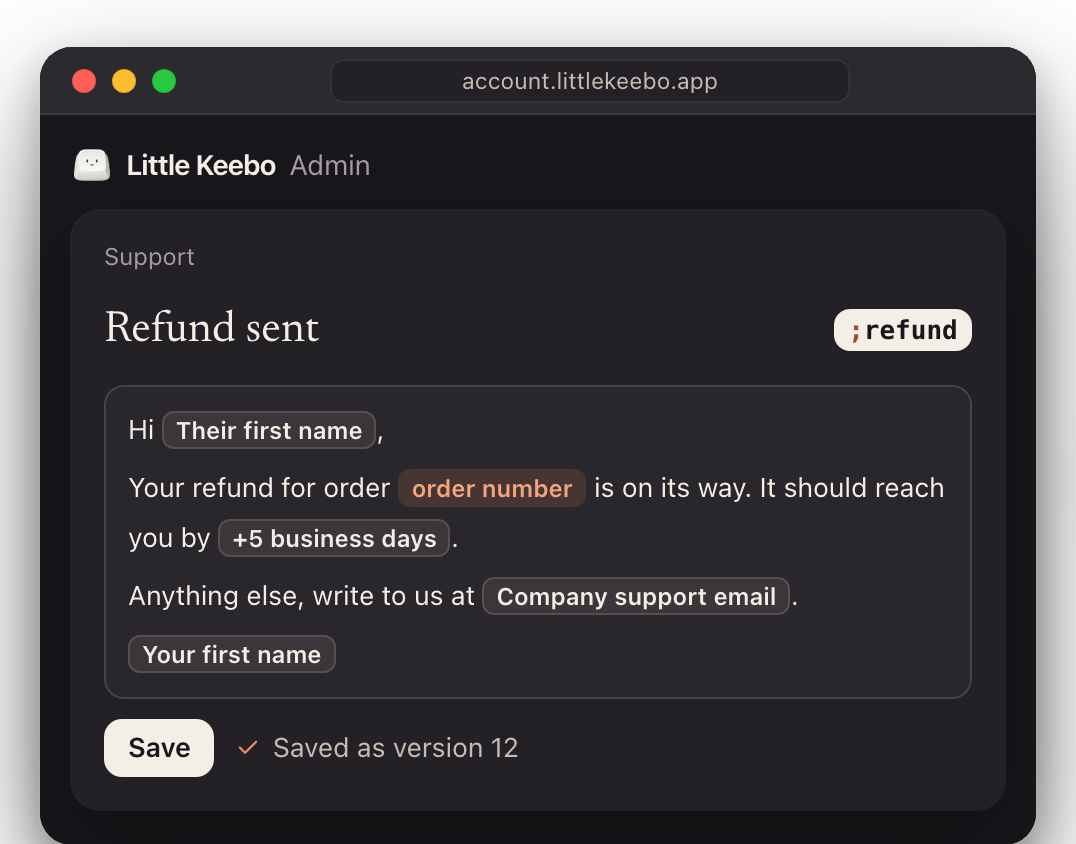
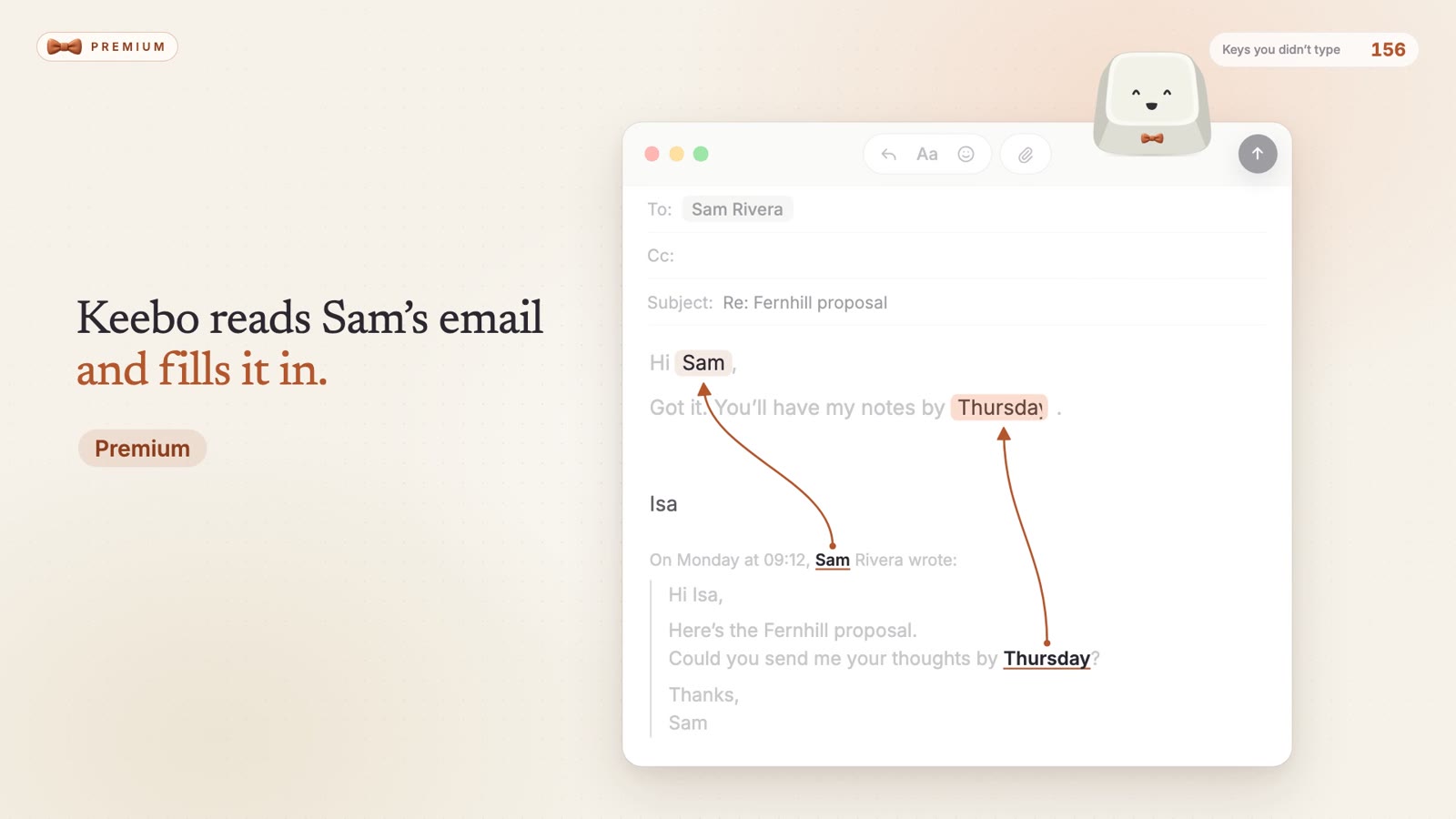
Type a semicolon and a short name, press Tab, and it types a template you saved (what other apps call a snippet). With Premium, Keebo fills the template’s blanks from what’s on your screen, such as the name and dates in the email you’re answering.
The built-in model, Velora, runs on your Mac, even offline, so what you write stays there. Premium adds a larger model, Velora Pro, and lets you use your own Ollama, or a cloud model with your own key in the apps you choose.
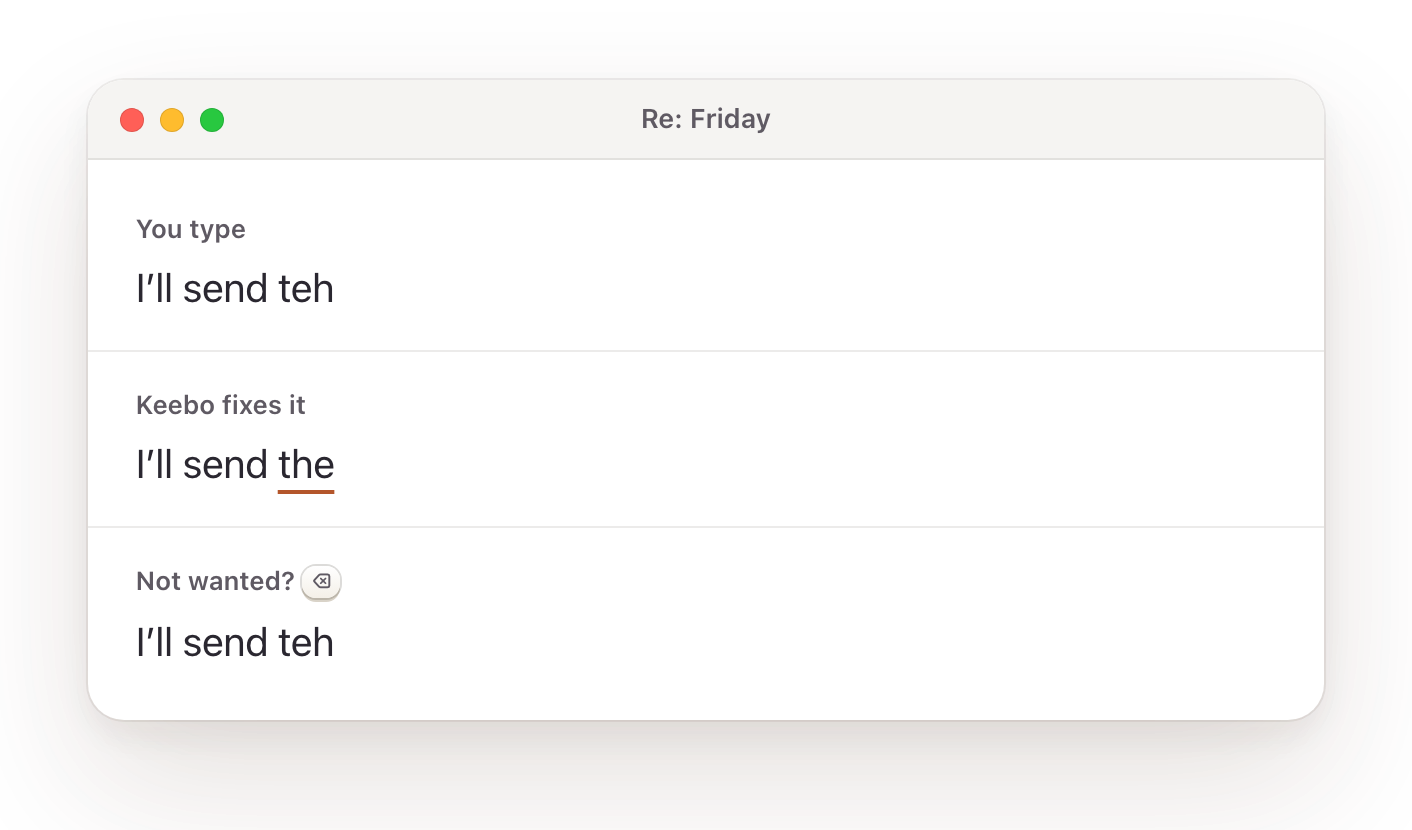
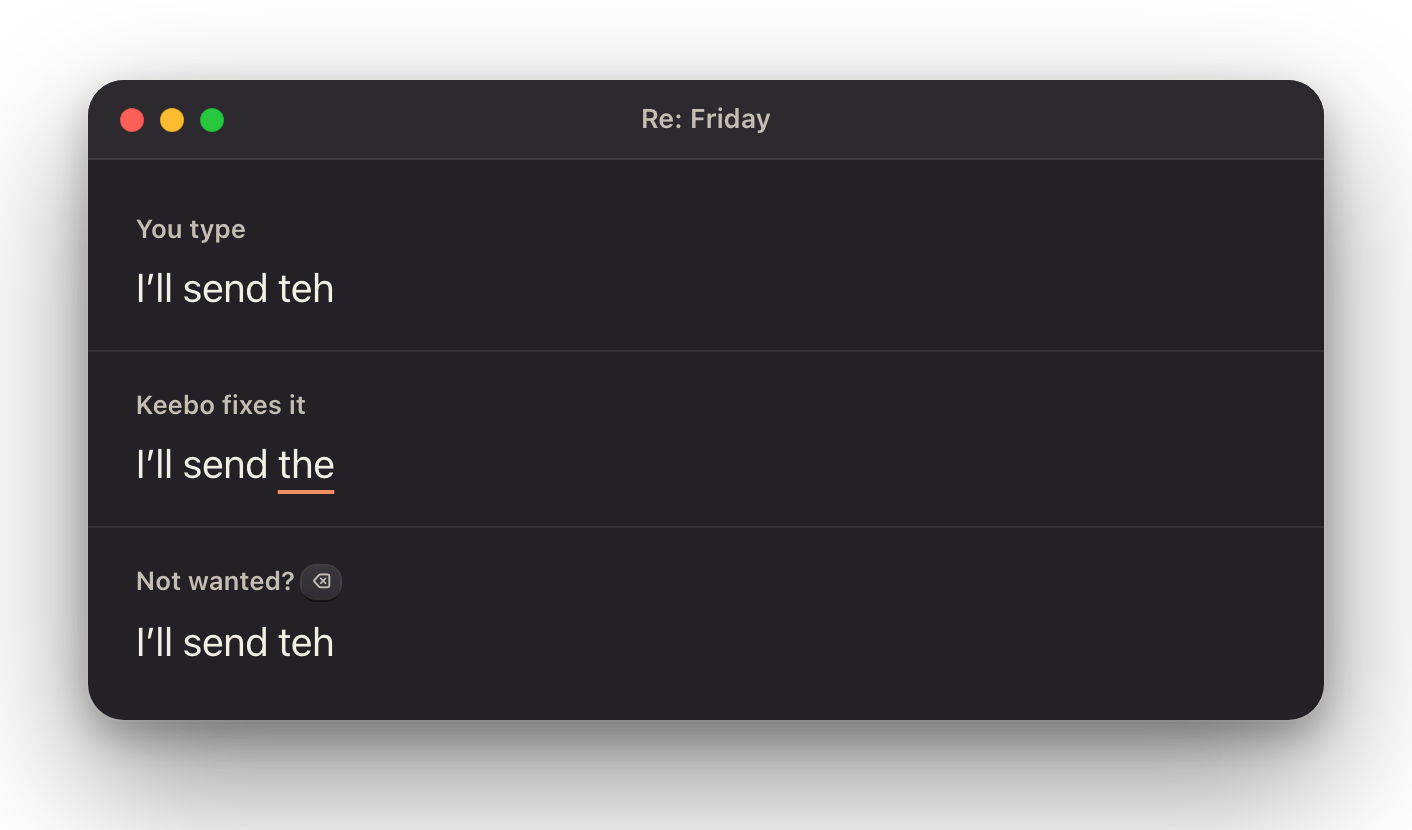
It also fixes typos as you finish each word, types an emoji when you write :: and its name, and turns /date and /time into the date and the time. Templates can come in from TextExpander, Text Blaze, Espanso, Raycast, Alfred, Gloss, Snippety or Apple’s text replacements.
Standard is free forever, on as many Macs as you like, with no account. Premium is $39.99 once or $14.99 a year, with a 14-day trial in the app. Teams adds templates your admins write once for every Mac, and Enterprise adds rollout by device management and a policy for every Mac. Little Keebo needs an Apple Silicon Mac with macOS 14 or later.